
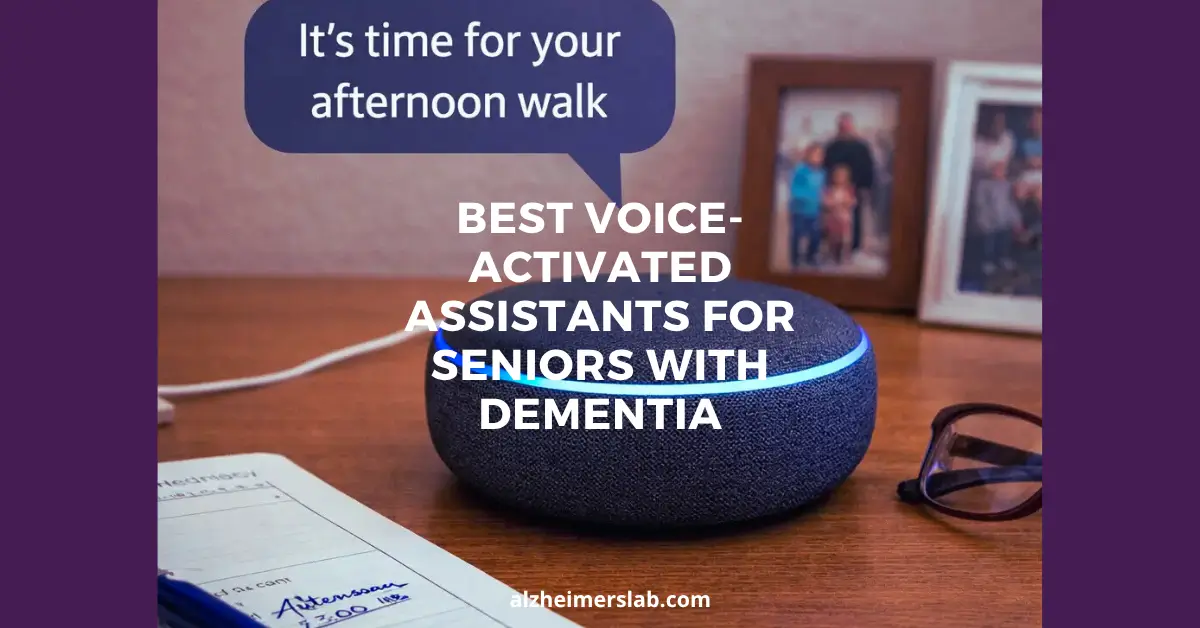
5 Best Voice Assistants for Seniors With Dementia
As an Amazon Associate, I earn from qualifying purchases
If you’re caring for someone with dementia, you already know how small daily tasks can become overwhelming. Even something as simple as remembering appointments or turning off the lights can create stress. That’s where voice-activated assistants can quietly step in and help.
I’ve seen how these devices can make life a little easier. You can set reminders, ask questions, or control things around the home—just by speaking. And for someone dealing with memory loss, that simplicity really matters.
More importantly, you don’t need to be tech-savvy to use them. Once set up, they respond to natural voice commands, which feels more comfortable than learning new gadgets.
In this guide, I’ll walk you through the best voice-activated assistants that can support safety, routine, and independence for seniors with dementia—so you can choose what truly fits your situation.
Here Are The Best Voice-Activated Assistants for Seniors With Dementia
1. AEMYNOUZ 2PCS Recordable Motion Activated Voice Reminder
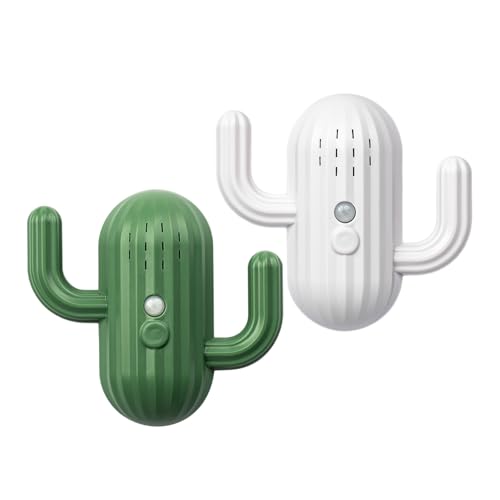
AEMYNOUZ 2PCS Recordable Motion Activated Voice Reminder is a simple, practical aid for seniors living with dementia. It allows caregivers to record a personal message that plays automatically when motion is detected. The built-in infrared sensor covers a 120° angle and works up to 1.5 meters, so reminders trigger as soon as someone walks by.
Sound quality is clear and captures voices well, even with background noise like a TV. You can adjust between three volume levels to suit the room. The device runs on batteries for up to 12 months, offering steady support without wires or WiFi.
Installation is straightforward. Insert batteries, attach with adhesive strips, and it’s ready in minutes. Dual hooks hold keys or small items up to 1.5 kg. Recording is easy: press, speak, and press again to stop.
Who Is This Product Suitable For
Ideal for seniors with dementia who forget daily tasks such as locking doors, taking medication, or carrying keys. It suits caregivers who want a simple, tool-free reminder system with custom voice messages and dependable motion activation near entryways or hallways.
Pros: Clear recording, easy setup, reliable motion trigger, long battery life.
Cons: Built-in system voice not in English; adhesive requires 24 hours for full strength.
2. SierraTeck Motion Activated Voice Player
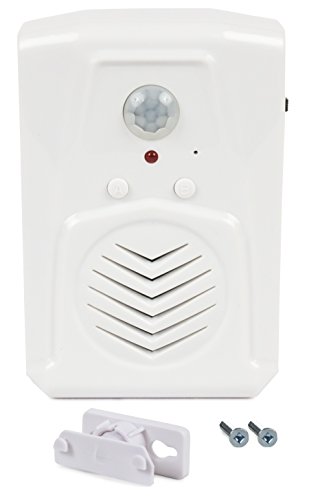
SierraTeck Motion Activated Voice Player is a simple, low-cost device that plays a recorded message when motion is detected. For seniors with dementia, familiar sounds can bring comfort and reduce confusion. This device allows caregivers to record a clear, personal message and have it play automatically when someone walks by.
The sound quality is realistic and true to the original recording. In one real-world use, it accurately replayed a loud car alarm, showing that it can produce strong, attention-grabbing audio when needed. That same clarity can be useful for reminders, reassurance, or gentle guidance inside the home.
It is easy to set up and does exactly what it promises. Because it activates only when there is movement, it does not play continuously, which helps avoid unnecessary noise. For families looking for an affordable memory aid, this device offers practical value without complicated features.
Who Is This Product Suitable For
This product is suitable for seniors with dementia who respond well to familiar recorded sounds, and for caregivers who want an affordable, motion-activated reminder device that plays clear, realistic audio only when someone passes by.
Pros: Affordable, realistic sound playback, simple to use
Cons: Limited to recorded messages; no advanced customization features
3. attodigit@l Store Voice Activated Recorder with Playback
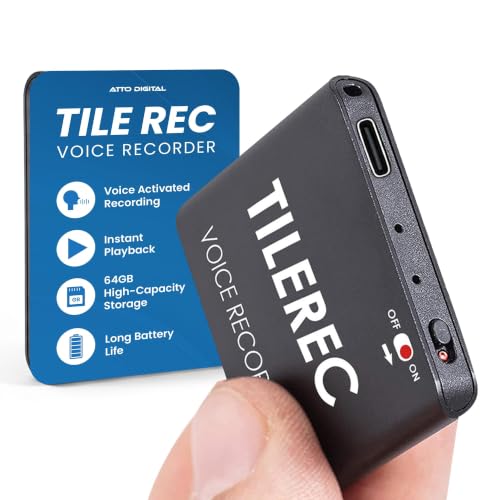
attodigit@l Store Voice Activated Recorder with Playback is a compact and discreet audio device designed to capture clear conversations without drawing attention. Weighing only 0.53 oz and measuring just 1.6″ × 1.6″ × 0.2″, it easily fits into a pocket, purse, or bedside drawer.
The built-in smart voice activation feature automatically starts recording when speech is detected. This helps save battery and storage space while ensuring important words are not missed.
With 64 GB of storage, it can hold up to 1,100 hours of recordings. Files can be transferred smoothly to a Mac or PC for review and safekeeping.
For families caring for seniors with dementia, this recorder can quietly document daily interactions. It offers reassurance, clarity, and a simple way to review conversations when memory gaps create confusion.
Who Is This Product Suitable For
This recorder suits families caring for seniors with dementia who experience memory gaps, confusion about conversations, or concerns about daily interactions. It is helpful when discreet monitoring is needed without disturbing routines, thanks to its small size and voice-activated function.
Pros: Ultra-compact, voice-activated, high storage capacity
Cons: Small size may be easy to misplace
4. XYszpcgs Motion Activated Voice Player
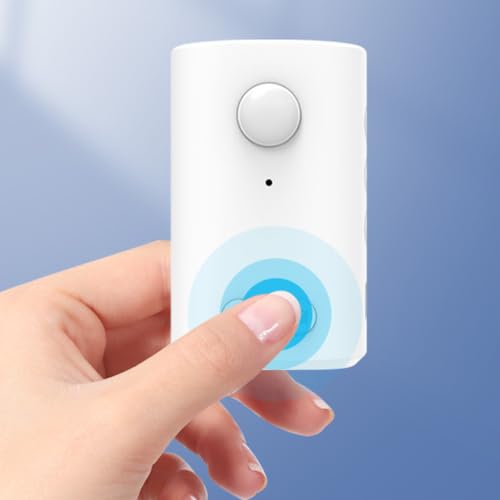
XYszpcgs Motion Activated Voice Player is a simple reminder tool designed to support seniors with dementia. It allows caregivers to record a 30-second voice message by pressing and holding the recording button, speaking clearly into the recording hole, and releasing when finished.
The device uses a 120-degree PIR motion sensor that detects movement up to 13 feet, day or night. When motion is detected, it plays the recorded message automatically.
Sound quality is clear, and the volume can be adjusted to suit the room. The 8-ohm speaker delivers a loud and understandable reminder without distortion. The unit is lightweight and compact, so it can be placed near a bathroom door, hallway, or bedside.
If you record a new message after the memory is full, the previous one is deleted automatically. Many caregivers use it to remind loved ones to flush the toilet or complete simple daily tasks.
Who Is This Product Suitable For
This device suits seniors with mild to moderate dementia who forget routine steps like flushing the toilet or turning off lights. It is helpful in homes where caregivers want a simple, voice-based reminder triggered automatically by movement.
Pros: Easy recording, wide motion range, clear adjustable sound
Cons: Only 30-second recording limit
5. FinityPro Store Wireless Caregiver Pager
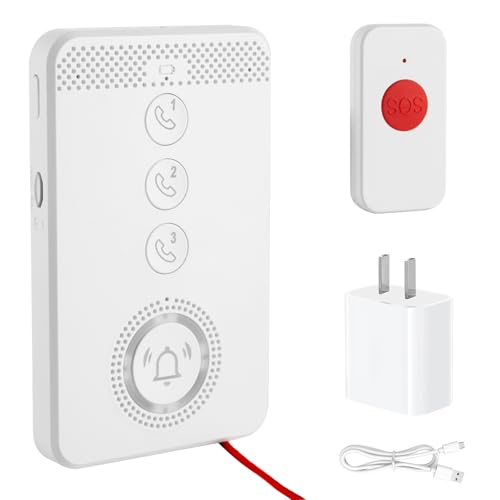
FinityPro Store Wireless Caregiver Pager with Voice Call Function is designed to give seniors with dementia fast, direct access to trusted help. You can pre-set up to three contacts, and in an emergency, the device places a real-time voice call with clear audio. This allows the senior to explain what is happening instead of relying only on alerts.
It supports two-way calling, so caregivers can call back and speak directly with the user. There are three simple ways to answer: auto-answer after three rings, press any button, or use the SOS button.
The system offers multiple ways to trigger help, including voice recognition, pressing a button, pulling the emergency cord, or using the SOS key. It is portable for daily movement and can also be wall-mounted. The water-resistant design adds everyday durability. A U.S. SIM card is required.
Who Is This Product Suitable For
This device is ideal for seniors with dementia who can still speak but may become confused during emergencies. It suits families who want direct voice communication instead of basic alert-only pagers.
Pros: Direct two-way voice calls, multiple SOS options, portable and wall-mountable.
Cons: Requires U.S. SIM card and basic setup beforehand.
Buyer’s Guide: Choosing The Best Voice-Activated Assistants For Seniors With Dementia
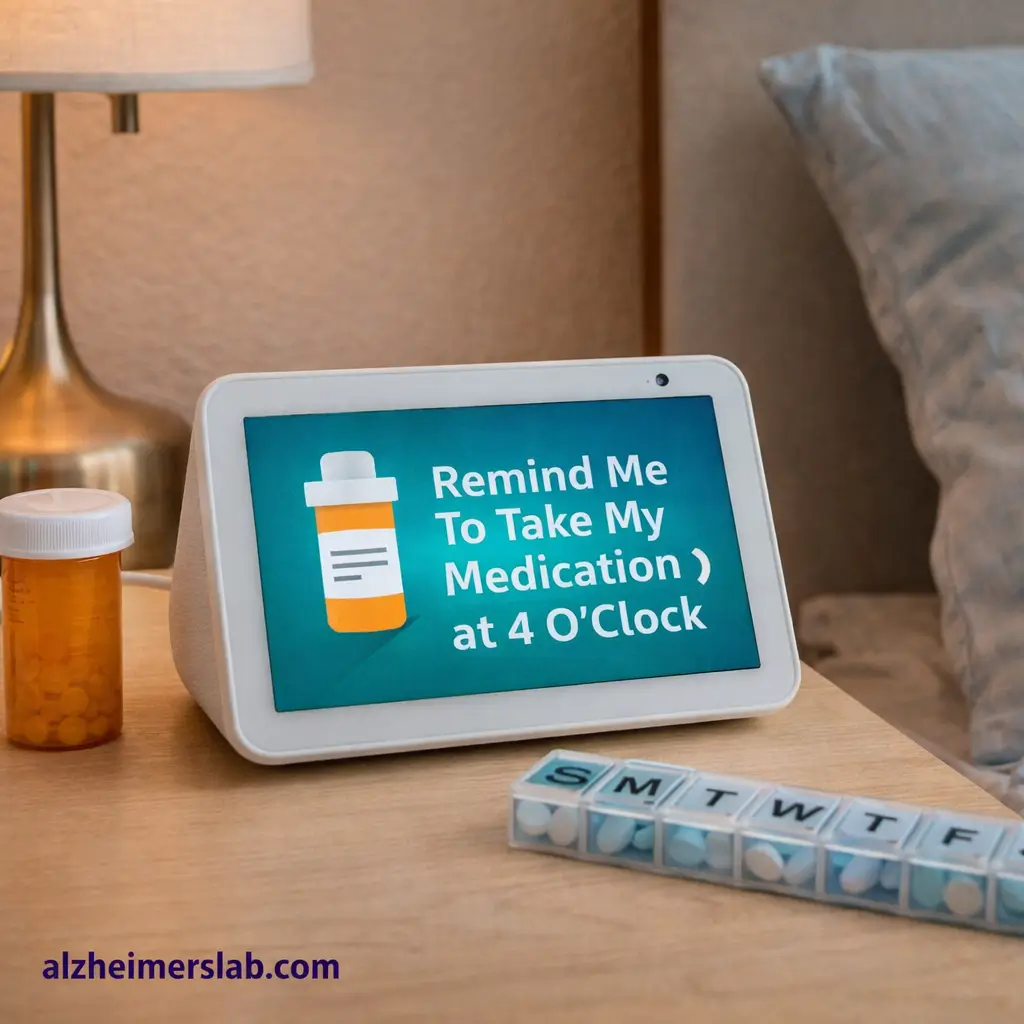
Voice-activated assistants are becoming helpful tools in many homes. For seniors living with dementia, they can provide reminders, comfort, and a small sense of independence. Caregivers also find them useful because they allow simple daily support without constant supervision.
However, choosing the right setup requires some planning. The goal is not just convenience, but safety and ease of use.
Why Seniors With Dementia May Need Voice-Activated Assistants
Memory loss often makes everyday tasks harder. Seniors may forget medications, appointments, or even the time of day. A voice assistant can gently remind them about these things.
It can also answer simple questions. For example, a senior can ask the time, the weather, or what day it is. These small interactions help reduce confusion.
Many seniors also feel lonely, especially if they live alone or spend long hours without conversation. Voice assistants can play music, read news, or tell stories. This kind of interaction can create a comforting routine.
Research has also explored how smart speakers can support older adults with cognitive challenges. Some studies suggest that voice assistants may help seniors manage daily routines, access information, and stay more independent at home.
This DOI leads to the study “Use of Smart Speakers by Older Adults and Their Caregivers.” The research discusses how voice assistants help with reminders, information access, and daily task support.
How To Use It And Where To Place It
Voice assistants work best when placed in areas where the senior spends most of their time. The living room is usually the most practical location because it is where many daily activities happen.
Some caregivers also place one in the bedroom. This helps seniors ask for help, check the time during the night, or listen to calming music.
Keep the device on a stable surface such as a bedside table, shelf, or coffee table. Avoid placing it near loud televisions or fans because background noise can interfere with voice commands.
Once installed, caregivers can program simple routines. For example, the assistant can announce medication reminders at specific times or remind the senior to drink water. Over time, these reminders become part of a daily routine.
Important Features To Look For
Not every voice assistant works equally well for seniors with dementia. Some features matter more than others.
First, the device should respond clearly and quickly. Delayed responses may confuse the user. Devices with strong voice recognition are usually better for older adults.
Second, look for simple voice commands. Seniors should not have to remember complex phrases. Short commands such as “What time is it?” or “Play music” work best.
Volume control is also important. Many seniors have hearing difficulties. A device with strong speakers and adjustable volume can make a big difference.
Caregivers may also want devices that support remote management. This allows family members to set reminders or adjust settings from another location.
Finally, check compatibility with other smart home devices. Some assistants can connect with smart lights or plugs, making it easier to control the home environment.
How Voice Assistants Help With Daily Life And Safety
The biggest benefit is routine support. Seniors with dementia often do better when daily activities follow a predictable pattern. Voice assistants can announce schedules throughout the day.
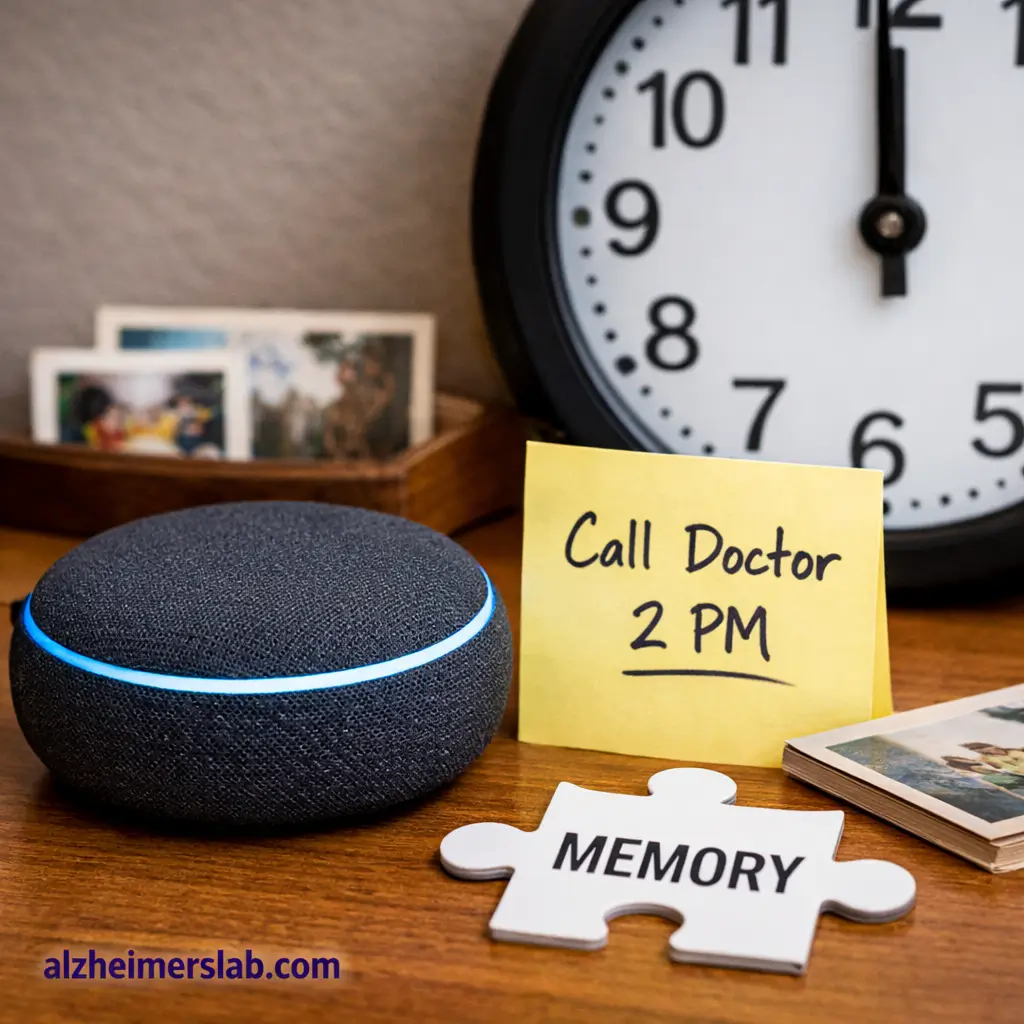
Medication reminders are another key advantage. A simple voice prompt can reduce missed doses.
Some assistants can also make calls or send messages. In case of confusion or distress, the senior may be able to contact a caregiver quickly.
Music and familiar sounds can also have a calming effect. Many seniors respond positively to songs from earlier decades, which can reduce anxiety.
There is also growing research on how voice technology can help older adults stay socially connected. Some studies suggest that smart speakers may help reduce loneliness by offering conversation, music, and easy access to information. Researchers have also found that older adults often use voice assistants to feel more connected with the outside world.
Safety Concerns To Keep In Mind
Voice assistants are helpful, but they should never replace human supervision.
Some seniors may accidentally give commands they did not intend. For example, they may order items online or change device settings. Caregivers should disable purchasing features to avoid this problem.
Privacy is another consideration. These devices listen for voice commands, which means they are always partially active. It is important to review privacy settings and choose secure accounts.
Caregivers should also check the device regularly to ensure reminders are working correctly. Technology can sometimes fail or lose internet connection.
Tips For Caregivers
Start simple. Too many features at once can confuse a senior with dementia. Begin with just a few commands, such as asking the time or playing music.
Use consistent routines. Set reminders for the same times every day so the senior becomes familiar with the voice prompts.
Practice with the senior. Spend time showing them how to speak to the device. Repeat commands slowly and clearly.
It also helps to use familiar phrases. Seniors are more comfortable using simple language rather than technical instructions.
Finally, monitor how the senior interacts with the device. Some may enjoy it immediately, while others may need more time to adjust.
My Quick Advice
Voice assistants can be surprisingly helpful for seniors with dementia, but they work best as a support tool rather than a solution on their own.
In my experience, the biggest success comes from keeping things simple. Choose a device with clear audio, easy voice commands, and reliable reminders. Avoid complicated smart home setups at the beginning.
Placement also matters more than people expect. Put the device where the senior naturally spends time. If it sits in a corner where they rarely go, it will not be used.
Caregivers should also remember that technology cannot replace personal interaction. The real value of a voice assistant is that it adds small layers of support throughout the day.
When used thoughtfully, it can help seniors stay oriented, feel less alone, and maintain a bit more independence in their daily lives.
